

Write a bug report your AI assistant can actually fix
Most AI fixes fail because the report is missing the one thing the fix depends on: what you expected, what actually happened, and how to reproduce it. Write those three down and the fix gets dramatically better.
You paste a bug into your AI assistant and it confidently changes the wrong file. Or it fixes the symptom in one place and breaks the same behaviour somewhere else. Or it asks you three questions you already answered, in different words, and you start to wonder whether the assistant is the problem.
Usually it is not. Usually the report is the problem. An AI assistant is very good at pattern matching and very bad at reading your mind. A bug report that a human would understand from context, because they were in the meeting where the feature was decided, is not a report an assistant can act on. It has to work from the text alone. Give it the text it needs, and the quality of the fix jumps. Leave it out, and you get a confident guess.
The three sentences every report needs
A usable bug report has three parts, and you can write all three in under a minute.
First, what you expected. Not "it should work". The specific behaviour: "Clicking Save on the settings page should update the display name and show a confirmation." That sentence is the specification the fix will be judged against.
Second, what actually happened. Again, specific: "Clicking Save reloads the page, the display name is unchanged, and no confirmation appears." Now the assistant has a gap to close, not a vibe to interpret.
Third, how to reproduce it. The shortest path from a fresh state to the bug: "Log in, open Settings, change the display name, click Save." If the bug only happens under a condition, say so: "Only when the display name contains a space." Conditions are where most bad fixes come from, because the assistant fixes the general case and never sees the condition that mattered.
If you write nothing else, write those three sentences. They are the difference between a fix and a guess.
Include the error, not your theory about it
When there is an error message, paste the full message, not your summary of it. "It throws a database error" sends the assistant looking at the database layer. The actual message might point at a validation rule, a missing field, or a timeout, and each of those is a different fix in a different file.
The same goes for logs. Paste the relevant lines, and say which lines you think matter and why, but keep the raw text in the report. Your theory can be wrong. The log cannot be misquoted if it is right there.
Do not paste the entire log file either. A thousand lines of noise is almost as useless as no log at all. Find the first error, include ten lines before it for context, and stop. If the assistant needs more, it will ask, and then you are answering a specific question instead of dumping a haystack.
One bug per report
The fastest way to get a bad fix is to bundle three bugs into one report. "The settings page is broken, also the avatar upload fails, and the mobile menu overlaps the footer" is three investigations, three fixes, and three chances to verify. An assistant working from one prompt will often fix the first, half fix the second, and silently drop the third.
Split them. Each report gets its own three sentences, its own error, and its own reproduction steps. The total writing time is barely more, because you were going to describe all three anyway, and the fix quality is far higher, because each fix has one thing to get right and one way to check it.
Show the assistant what "fixed" looks like
A fix is only done when the reproduction steps no longer produce the bug. Say that explicitly: "Fixed means the steps above update the display name and show the confirmation." That sentence does two things. It stops the assistant from declaring victory after changing code that looks related, and it gives you a test you can run in thirty seconds.
If you have a test for the behaviour, point at it. "There is a test in settings.test.ts that covers this, and it currently fails." A failing test is the best bug report there is, because it is already written in the form of an expectation. If you do not have a test, the reproduction steps are your test. Run them after the fix, before you merge, every time.
What to leave out
Leave out blame, urgency theatre, and history. "This has been broken forever and it is embarrassing" contains no information the fix needs, and it biases the assistant toward the biggest, riskiest change instead of the smallest correct one. Leave out the fix you think it should make, too, unless you are sure. "Just change the query to use a join" is a solution disguised as a report, and if your solution is wrong, the assistant will implement it faithfully and you will own the result.
Leave out screenshots as the only evidence. A screenshot of an error is better than nothing, but it cannot be searched, copied, or quoted back into code. Paste the text, and add a screenshot only if the problem is visual, like a layout overlap, where the picture itself is the evidence.
A template you can reuse
Copy this into your next bug report and fill in the blanks:
Expected: what should happen, in one sentence. Actual: what happens instead, in one sentence. Steps: the shortest path from a fresh state to the bug. Error: the full error message, or "none, it fails silently". Condition: anything that makes it happen or not happen, or "always". Fixed means: the steps above now produce the expected behaviour.
That is the whole discipline. AI assistants do not need longer reports. They need reports that contain the expectation, the reality, and the reproduction, and nothing that sends them chasing the wrong file. Write those, and the assistant stops being a confident guesser and starts being what it is best at: a fast, careful implementer of a problem you have actually defined.
Share this article
Newsletter
The NotVibesCoded Weekly
One email a week: the newest articles, project teardowns and AI-coding notes. No slop, no spam, unsubscribe anytime.
We will send a confirmation email. Click the link in it to finish subscribing.
Written by
NotVibesCoded is written and reviewed by its editorial team under the standards in the editorial policy. A named author page, with full credentials, replaces this placeholder shortly.
Projects mentioned
 uv
uv
An extremely fast Python package and project manager, written in Rust.
uv replaces pip, pip-tools, pipx, poetry, pyenv, and virtualenv with a single binary that resolves and installs Python dependencies 10–100x faster. It's the rare tool that deletes an entire category of workflow friction.


Related articles
Your vibe-coded site is not indexed. Here is how to find out why.
A new AI-built site can be live, fast and completely invisible to Google. Work through this checklist in order: access, sitemap, canonicals, content, and patience, in that order.
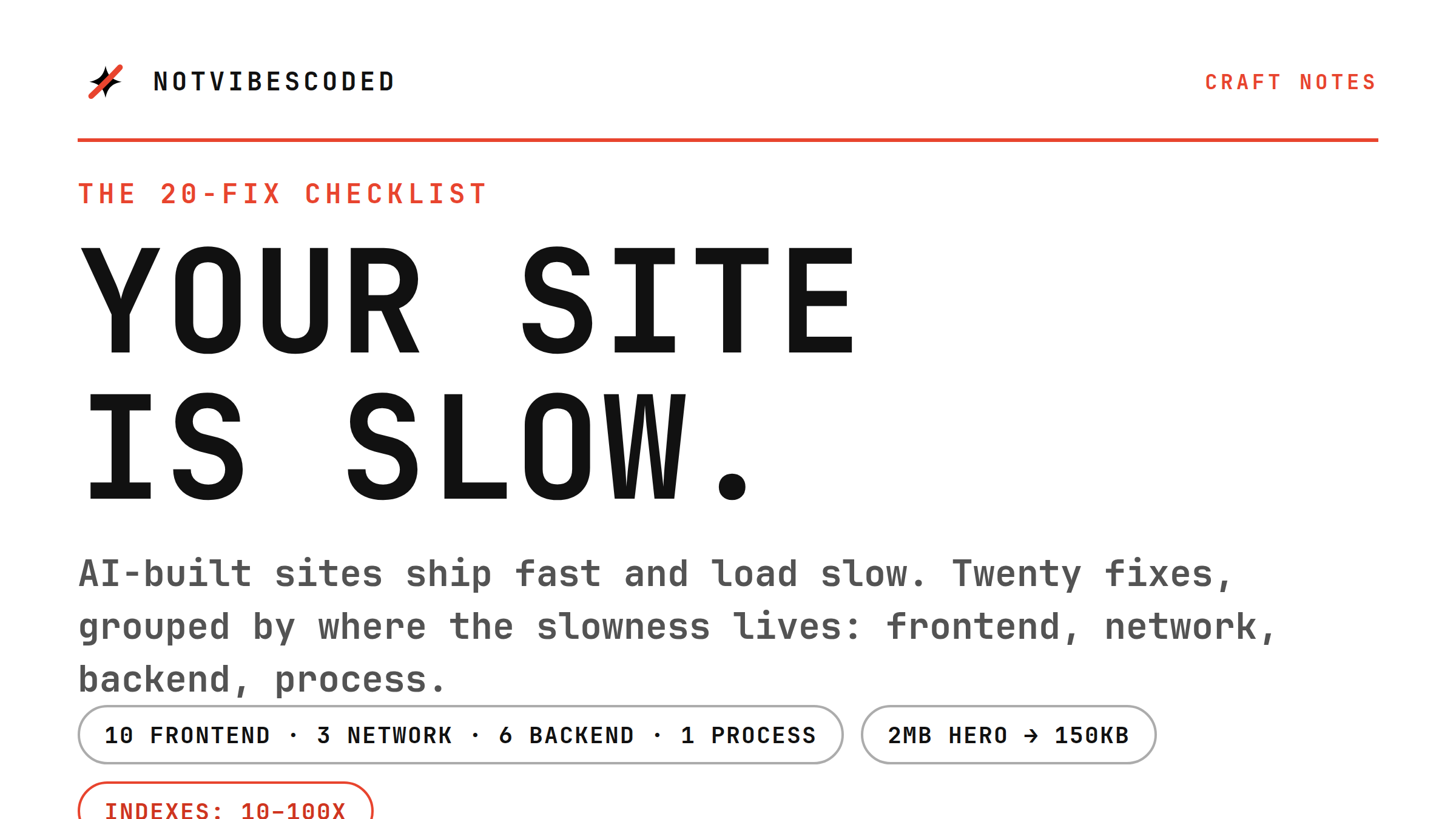
Your vibe-coded site is slow. Here's the 20-fix checklist.
AI-built sites ship fast and load slow. Twenty fixes, grouped by where the slowness lives: frontend, network, backend, and the process that keeps it fast.
What 'context' actually means in AI coding tools
Every AI coding tool talks about context, and most explanations stop at 'the files it can see'. That is only the start. Context is also your rules, your conventions, and the decisions you have already made, and the quality of the output depends on all of it.